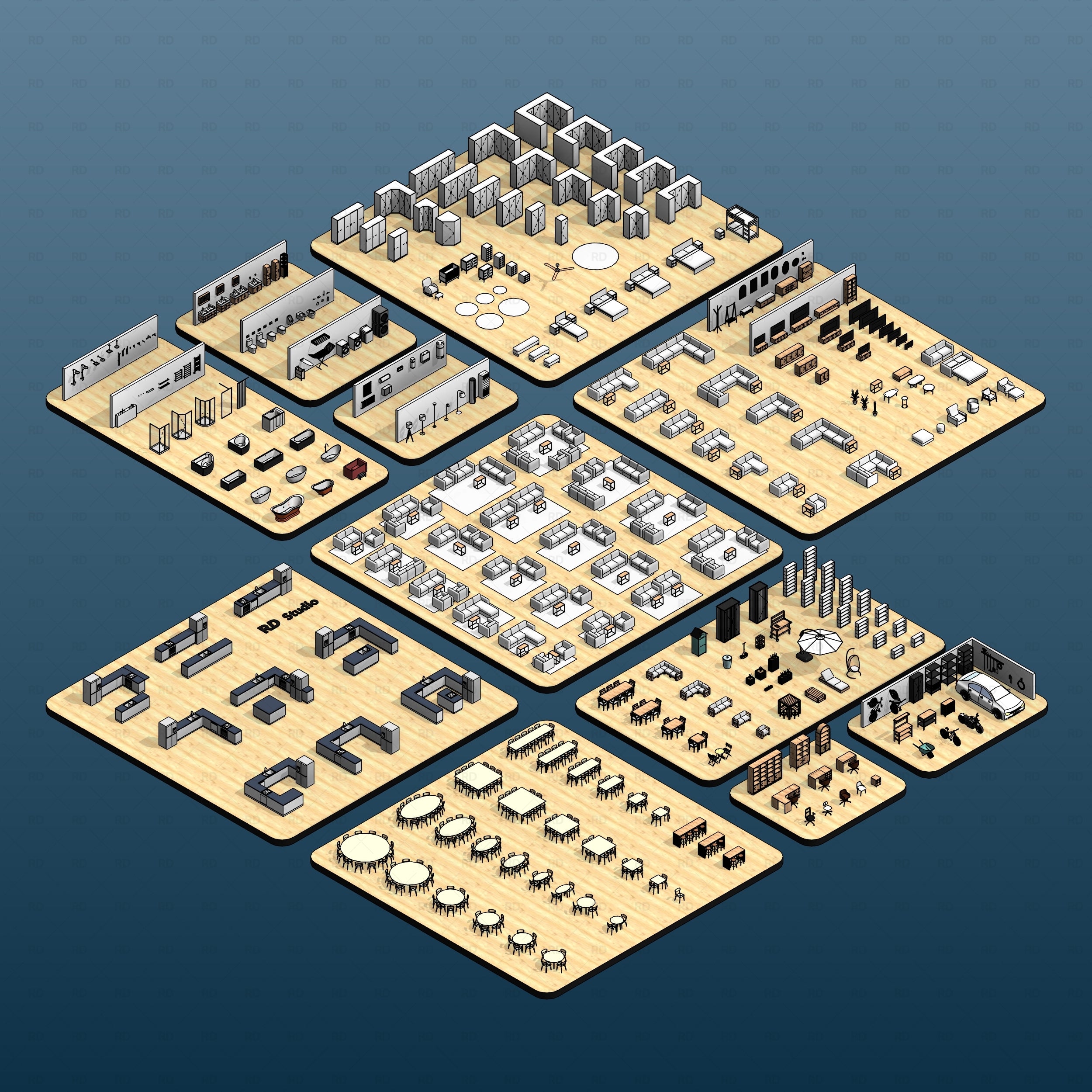
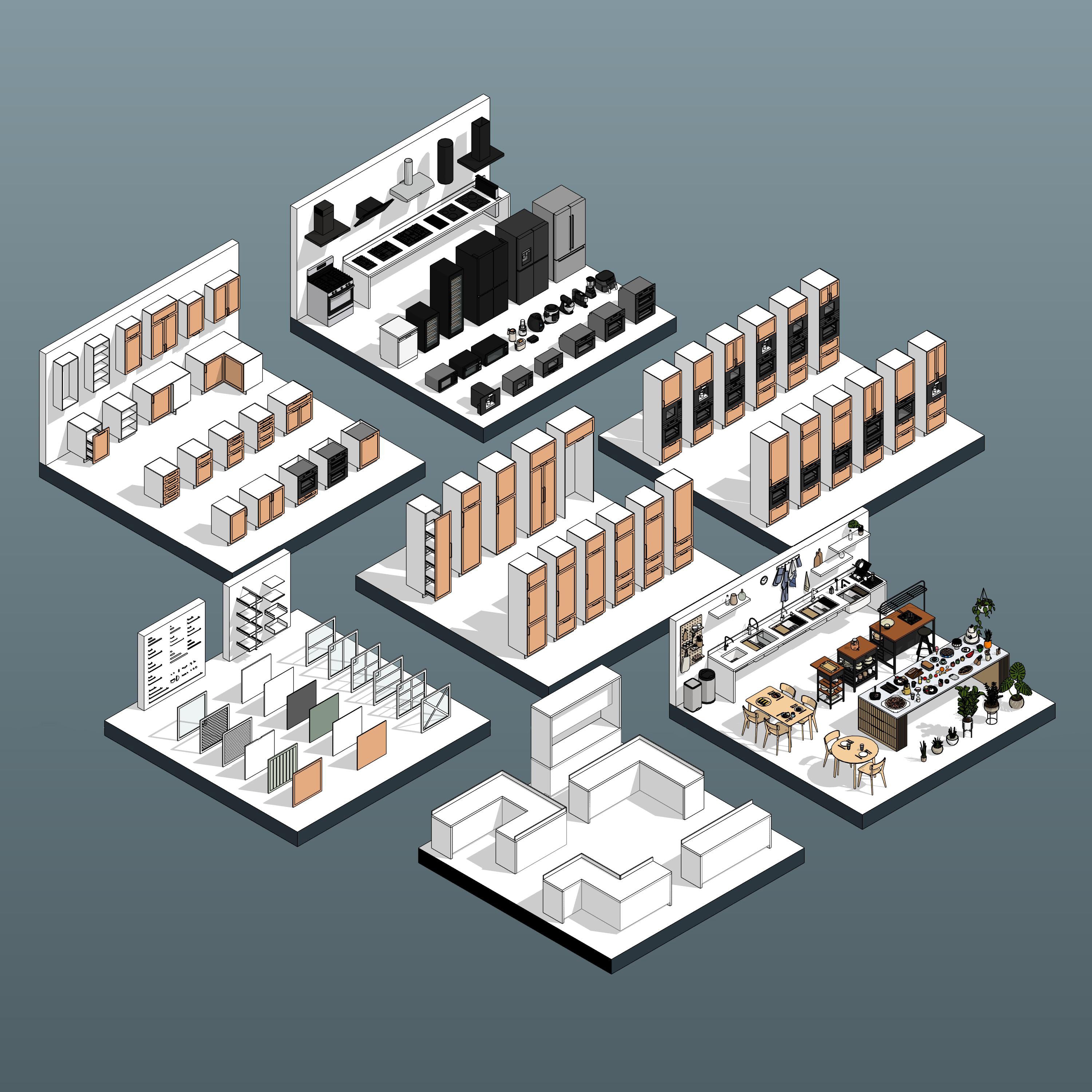


Revit Retail Shelving System 01

Regular price$25.00
/
License
  • Educational licenses are strictly for students. Using these families in paid or client projects requires a Commercial Use license.

Elevate your visual merchandising with the Revit Retail Shelving System 01. Featuring a massive library of 31 professional, fully parametric BIM models, this collection is perfect for any retail space. The highlight of this pack is the modular 1-6 insert system, allowing you to effortlessly swap and customize shelving components by simply duplicating and modifying the family type to fit your exact product display needs.
  • Digital Download
  • Revit Version: 2020
  • Created by: RD Studio
  • Pack Categories: Furniture
  • Units System: Metric and Imperial
  • Product Version: V1

Free Products
Our Free Educational Use License is specifically designed for academic purposes. Under this license, RD Studio's free products can be utilized in educational settings, including classroom activities, academic projects, and other learning initiatives. When using a product, you are required to grant full credit to RD Studio, with an active link for online versions. Additionally, if a project using our product is showcased on social media, you must credit RD Studio with an active tag to our profile. Please note that commercial use of these products under this license is strictly prohibited.

Educational Use
Products labeled "Educational Use" are exclusively for student use in academic settings. These products are intended to support educational development and must not be employed for any commercial purposes.

Commercial Use
With the purchase of a Commercial Use License, you are authorized to use the product in commercial projects without the need to attribute RD Studio. However, the standard prohibitions on reproduction, distribution, and resale, as detailed in the "Strictly Forbidden" section, remain applicable.

University Multi-User License
The University Multi-User License is tailored for educational institutions, allowing up to 30 users, including students and teachers, to use our products for academic purposes. This license facilitates the use of our products in educational environments, such as classroom learning, academic research, and student projects. Redistribution or commercial use of these products under this license is not allowed.

Strictly Forbidden
You are not allowed to reproduce, distribute, copy or sell the contents of RD Studio at any circumstances. Products can’t be sold without being part of a bigger project or work combining RD Studio digital products with other graphics, modeling or digital elements. Also, you are not allowed to use products from RD Studio in similar or any competing services.

Zip Folders
To unzip a ZIP folder, right-click to select Extract Here.

How to Load Revit Families
1. Open Revit, go to the Insert Tab and Press on Load Family
2. Choose the downloaded family from your computer

For more information please visit our download and install instructions page.

Revit Retail Shelving System 01 RD Studio BIM blocks rfa fashion boutique

👗 Fashion Boutique Configurations

Instantly curate high-end apparel displays. By combining the clothing rail inserts with enclosed presentation boxes and a minimalist back brace, you can create sleek, modern fixtures perfect for highlighting hanging garments, luxury footwear, and designer accessories.

Revit Retail Shelving System 01 RD Studio BIM blocks rfa homeware shelving

🛋️ Homeware Shop Layouts

Design dynamic focal points for home goods and decor. Utilize the modular 1-6 insert system to space out standard flat shelves for displaying larger items like vases or cookware, while anchoring the unit with a solid storage box base to discreetly hold bulky overstock.

Revit Retail Shelving System 01 RD Studio BIM blocks rfa fine goods shelving

🍷 Fine Foods & Grocery Setups

Rapidly generate high-capacity retail aisles. Combine heavy-duty pedestal bases, solid back spacers, and dense stacks of standard or angled shelves to effortlessly accommodate heavy jars, specialty foods, and tightly packed grocery merchandise across your floor plan.

Revit Retail Shelving System 01 Families

Elevate your commercial interiors and visual merchandising layouts with Revit Retail Shelving System 01. This massive, comprehensive collection features 31 professional Revit shelving families engineered specifically for modern retail shops, boutiques, and supermarkets.

Design with confidence using our highly adaptable, modular fixtures. Whether you are laying out a dense grocery aisle, a minimalist luxury showroom, or a specialized pop-up shop, this system provides the perfect balance between architectural aesthetics and technical precision. The true power of this collection lies in its modularity - allowing you to fully customize your displays using our unique insert system.

Understanding the Modular 1-6 Insert System

Our 1-6 insert system is engineered to give you total control over your merchandising displays without cluttering your Revit project with hundreds of separate files. Think of the main shelving family as a highly customizable "frame" that can hold multiple modular components.

Versatile Upper Display Options

To maximize your merchandising potential, transform the upper sections of your fixtures using our specialized nested inserts.

Flexible Base Configurations

Just as the upper inserts offer complete customization, the foundation of your retail display is entirely adaptable. Depending on your spatial needs and the type of merchandise, you can configure the bottom of your shelving units using three distinct base options: Without Base, Pedestal Base, and Storage Box Base.

Customizable Back Options

To complete your shelving configuration, the system allows you to define the structural and visual backing of your fixtures. Depending on where the unit is placed on your floor plan, you can toggle between two distinct back options: Back Brace and Back Spacer.

How to Use the System: Duplicating Types & Creating New Variations

Here is a quick, step-by-step guide to configuring a new shelving variation:

  1. Select the Family: Click on the shelving unit you have placed in your Revit project.

  2. Open Type Properties: In your Properties palette on the left side of the screen, click the Edit Type button.

  3. Duplicate the Type: In the Type Properties window, click Duplicate. Give your new configuration a clear, descriptive name.

  4. Customize Your Inserts: Scroll down through the parameters until you find the modular insert slots and base options.

  5. Swap Components: Click on the value field next to any slot. A small dropdown arrow will appear. Click it to reveal a list of pre-loaded nested components. Simply select the piece you want - swap a standard shelf for a presentation box, change a back brace to a solid spacer, or drop in a base storage box.

  6. Apply and Build: Click OK. Your specific shelving unit will instantly update in your 3D view and floor plans to reflect the new configuration, leaving your original shelving types completely unchanged.

Ideal Use Cases:

  • 🏬 Supermarkets & Grocery – Quickly generate long, continuous aisles of robust, multi-tiered shelving units.
  • 🛍️ Boutiques & Pharmacies – Customize highly specific product displays using the flexible 1-6 insert configurations.
  • 🎪 Pop-Up Shops & Commercial Fit-Outs – Rapidly iterate spatial layouts and merchandise planning with adaptable, ready-to-use fixtures.

Technical Specifications:

  • 📦 31 versatile shelving families covering a wide range of retail configurations
  • 🗃️ Modular 1-6 insert system - easily swap and customize shelf inserts by creating new types
  • ⌨️ Fully parametric dimensions for flexible sizing and seamless aisle clustering
  • ⚡ Lightweight, BIM-ready models optimized for plans, elevations, and 3D views

Downloads:

  • 📁 Includes: One showroom Revit file + 31 Revit Retail Shelving System 01 families.
  • 📏 Unit System: Metric and Imperial.
  • 💻 Compatibility: Revit 2020 and newer versions.

Please make sure your Revit version is compatible with the product version

  • Revit Version: 2020
  • The download folder includes 31 Revit Families

Pack Categories:

  • Furniture

Units System:

  • Metric
  • Imperial

RD Studio is a creative BIM factory that creates high-quality Families for Revit and Dynamo Scripts with a focus on innovation and functionality.

Check our About Page Here