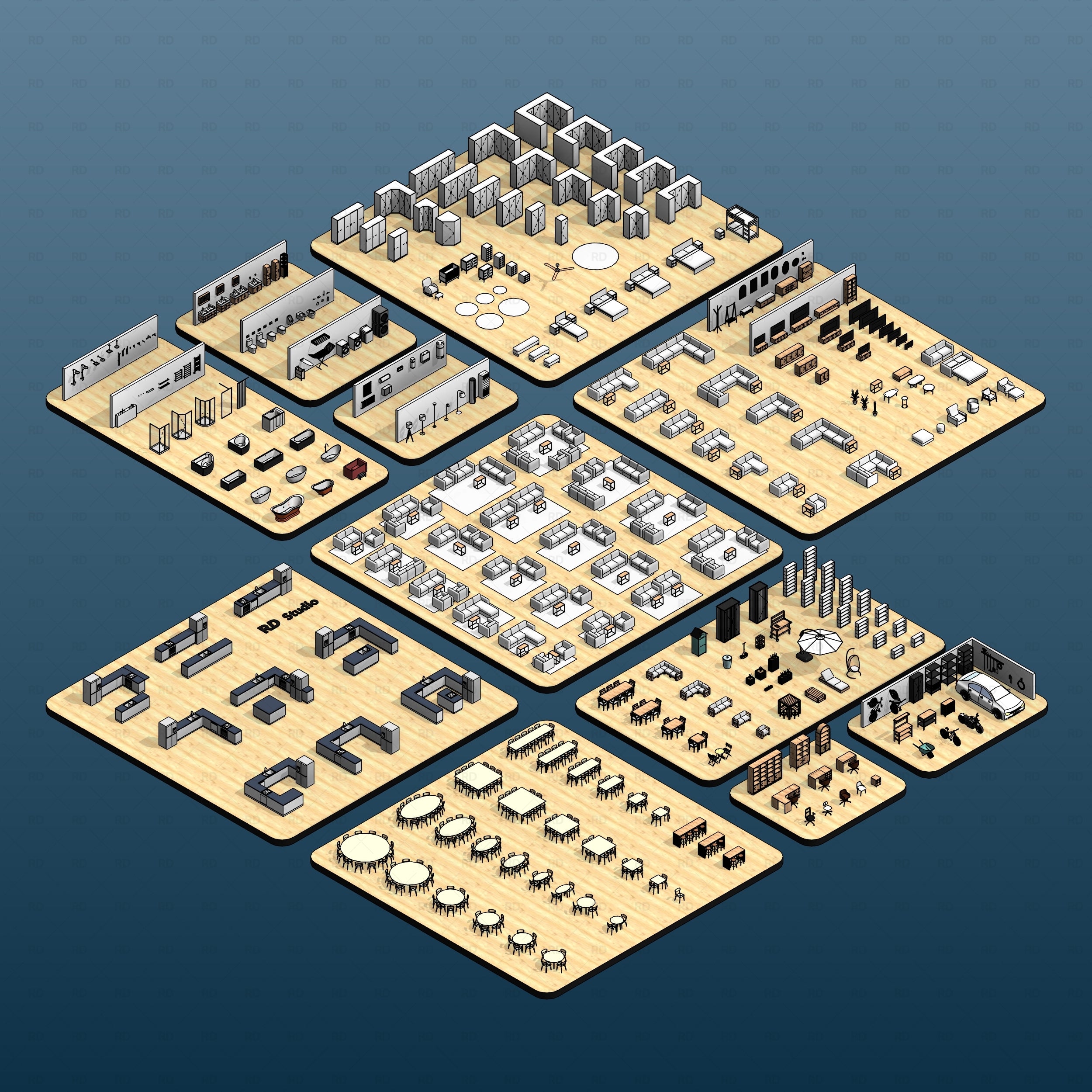
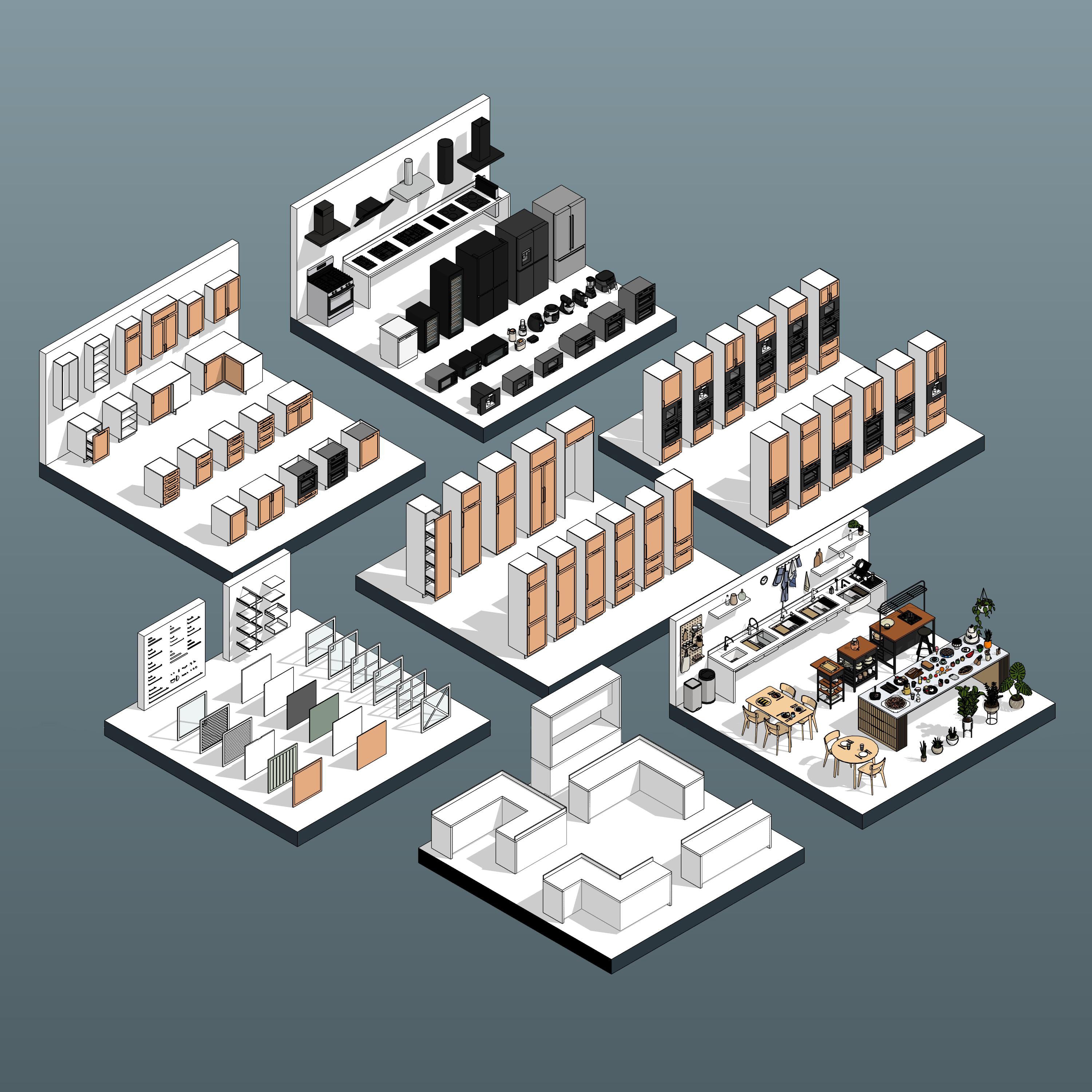




Elevate your commercial interiors and visual merchandising layouts with Revit Retail Shelving System 01. This massive, comprehensive collection features 31 professional Revit shelving families engineered specifically for modern retail shops, boutiques, and supermarkets.

Design with confidence using our highly adaptable, modular fixtures. Whether you are laying out a dense grocery aisle, a minimalist luxury showroom, or a specialized pop-up shop, this system provides the perfect balance between architectural aesthetics and technical precision. The true power of this collection lies in its modularity - allowing you to fully customize your displays using our unique insert system.
Our 1-6 insert system is engineered to give you total control over your merchandising displays without cluttering your Revit project with hundreds of separate files. Think of the main shelving family as a highly customizable "frame" that can hold multiple modular components.

To maximize your merchandising potential, transform the upper sections of your fixtures using our specialized nested inserts.

Just as the upper inserts offer complete customization, the foundation of your retail display is entirely adaptable. Depending on your spatial needs and the type of merchandise, you can configure the bottom of your shelving units using three distinct base options: Without Base, Pedestal Base, and Storage Box Base.

To complete your shelving configuration, the system allows you to define the structural and visual backing of your fixtures. Depending on where the unit is placed on your floor plan, you can toggle between two distinct back options: Back Brace and Back Spacer.

Here is a quick, step-by-step guide to configuring a new shelving variation:
Select the Family: Click on the shelving unit you have placed in your Revit project.
Open Type Properties: In your Properties palette on the left side of the screen, click the Edit Type button.
Duplicate the Type: In the Type Properties window, click Duplicate. Give your new configuration a clear, descriptive name.
Customize Your Inserts: Scroll down through the parameters until you find the modular insert slots and base options.
Swap Components: Click on the value field next to any slot. A small dropdown arrow will appear. Click it to reveal a list of pre-loaded nested components. Simply select the piece you want - swap a standard shelf for a presentation box, change a back brace to a solid spacer, or drop in a base storage box.
Apply and Build: Click OK. Your specific shelving unit will instantly update in your 3D view and floor plans to reflect the new configuration, leaving your original shelving types completely unchanged.


Please make sure your Revit version is compatible with the product version
Pack Categories:
Units System:


